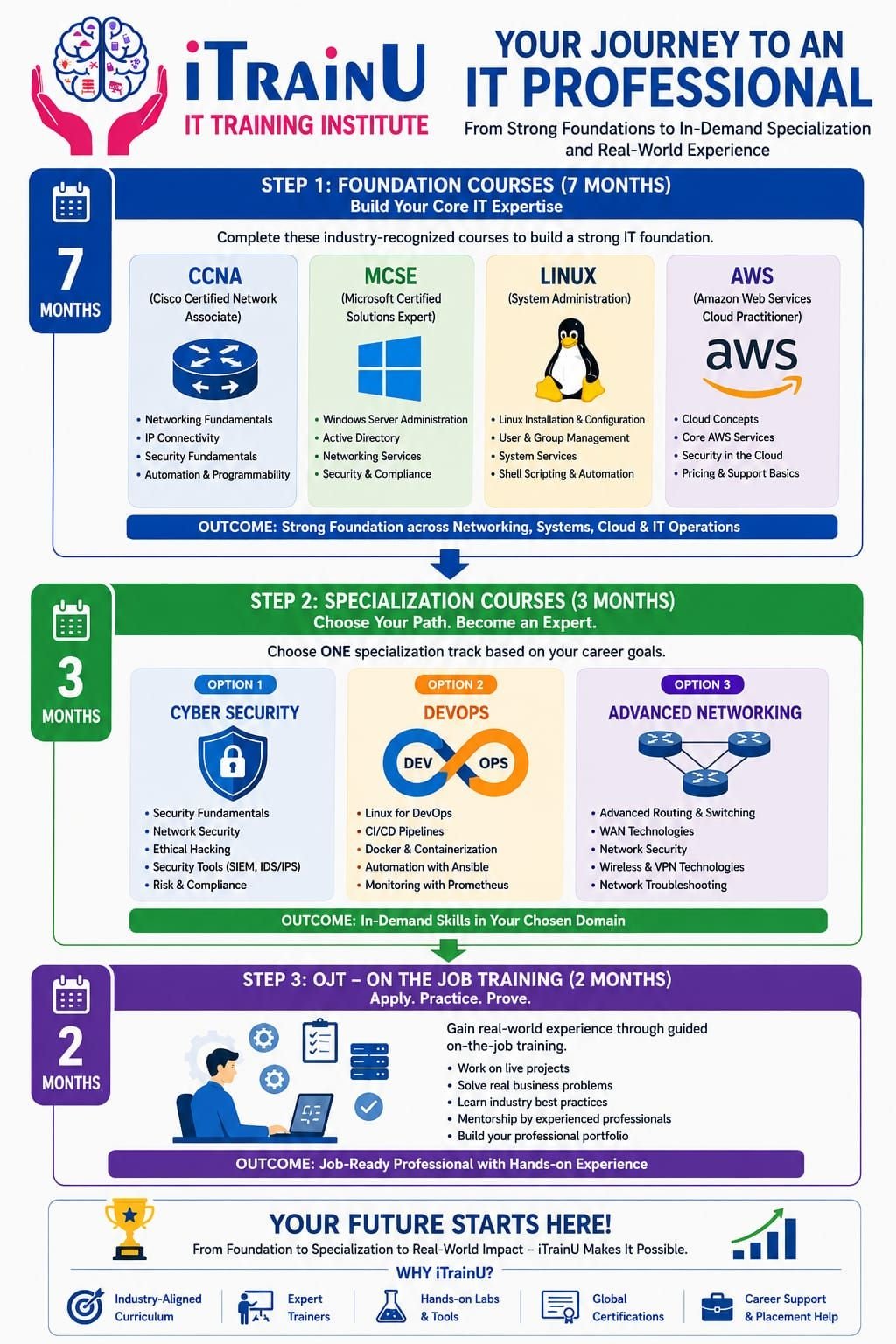
The cloud isn’t just “the future” anymore, it’s the backbone of almost every business on the planet. As we move through 2026, the demand for skilled architects who can design secure and efficient systems on Amazon Web Services (AWS) has never been higher. Whether you’re a student, a fresh graduate, or a pro looking to switch gears, getting certified is your ticket to a high-paying, future-proof career.
But let’s be real: the AWS Certified Solutions Architect – Associate (SAA-C03) exam can feel like a mountain to climb. That’s why we’ve put together this comprehensive aws solution architect associate study guide 2026 to help you navigate the clouds with confidence. At iTrainU, we believe in more than just passing exams; we focus on making you job-ready through industry-oriented training and hands-on labs.
What is the AWS Solution Architect Associate Certification?
The AWS Solution Architect Associate (SAA-C03) is a certification that validates your ability to design and deploy well-architected solutions on the AWS platform. It’s not just about knowing what the services are; it’s about knowing how to connect them to solve real-world business problems.
In 2026, the exam focuses on four key “Domains”:
- Design Secure Architectures (30%)
- Design Resilient Architectures (26%)
- Design High-Performing Architectures (24%)
- Design Cost-Optimized Architectures (20%)
Domain 1: Design Secure Architectures
Security is the top priority in the cloud. You aren’t just building a house; you’re building a fortress. This domain covers how to keep data safe and keep the bad guys out.
Key Concepts to Master:
- Identity and Access Management (IAM): This is the “gatekeeper.” You’ll learn how to manage users, groups, and roles using the principle of least privilege.
- Virtual Private Cloud (VPC): Think of this as your own private slice of the AWS cloud. You’ll need to understand subnets, security groups, and Network Access Control Lists (NACLs).
- Data Encryption: How to protect data “at rest” (stored) and “in transit” (moving) using AWS KMS (Key Management Service).
What you control: Your IAM policies, firewall rules (Security Groups), and encryption keys.
What AWS manages: The physical security of the data centers and the underlying hardware.
Domain 2: Design Resilient Architectures
What happens if a data center goes down? A resilient architecture ensures your application stays up even when things go wrong.
Essential Services:
- Amazon S3 (Simple Storage Service): Learn about different storage classes and how to replicate data across different regions.
- AWS Auto Scaling: This automatically adds or removes servers based on demand.
- Amazon Route 53: This is the DNS service that helps route users to the healthiest version of your application.

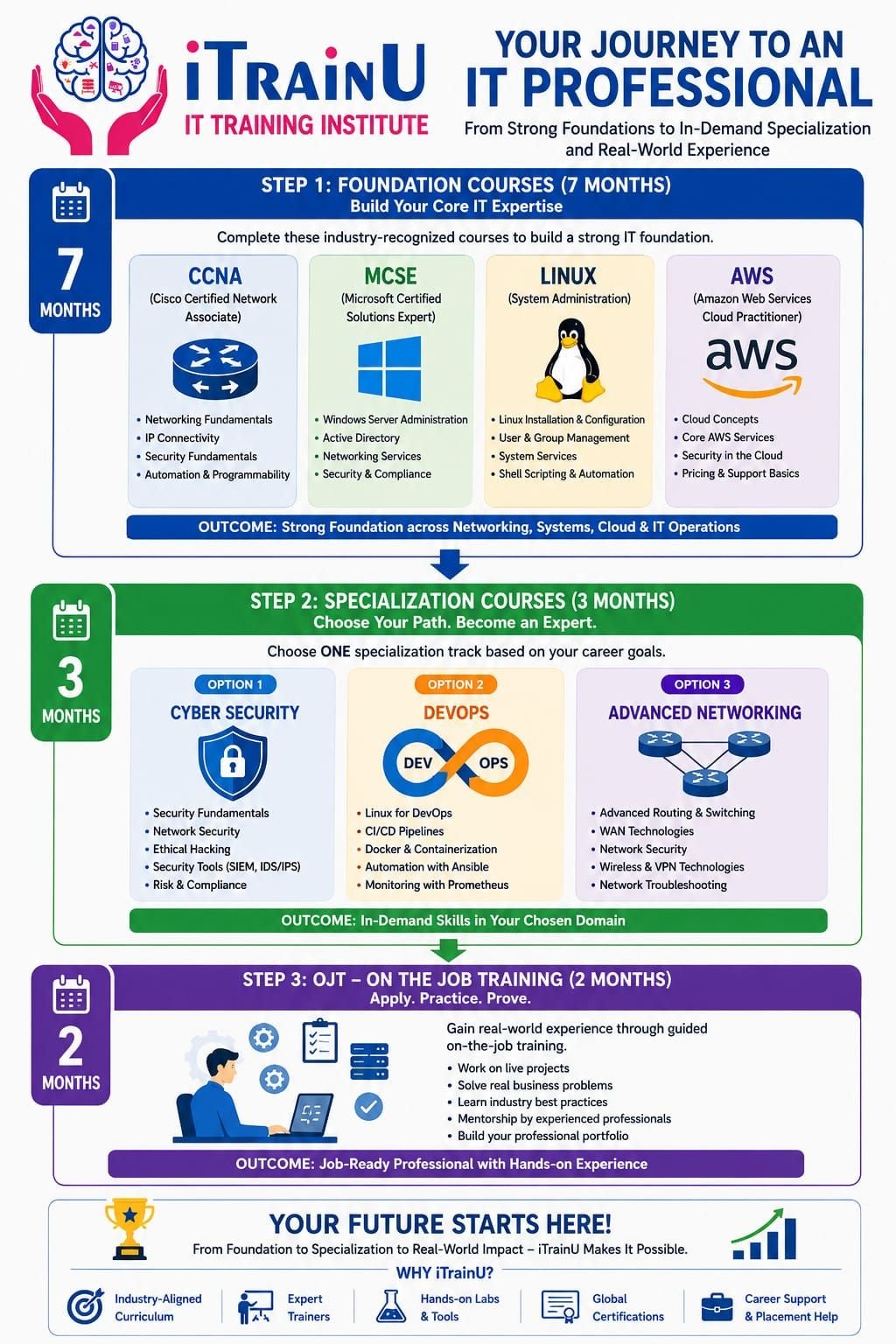
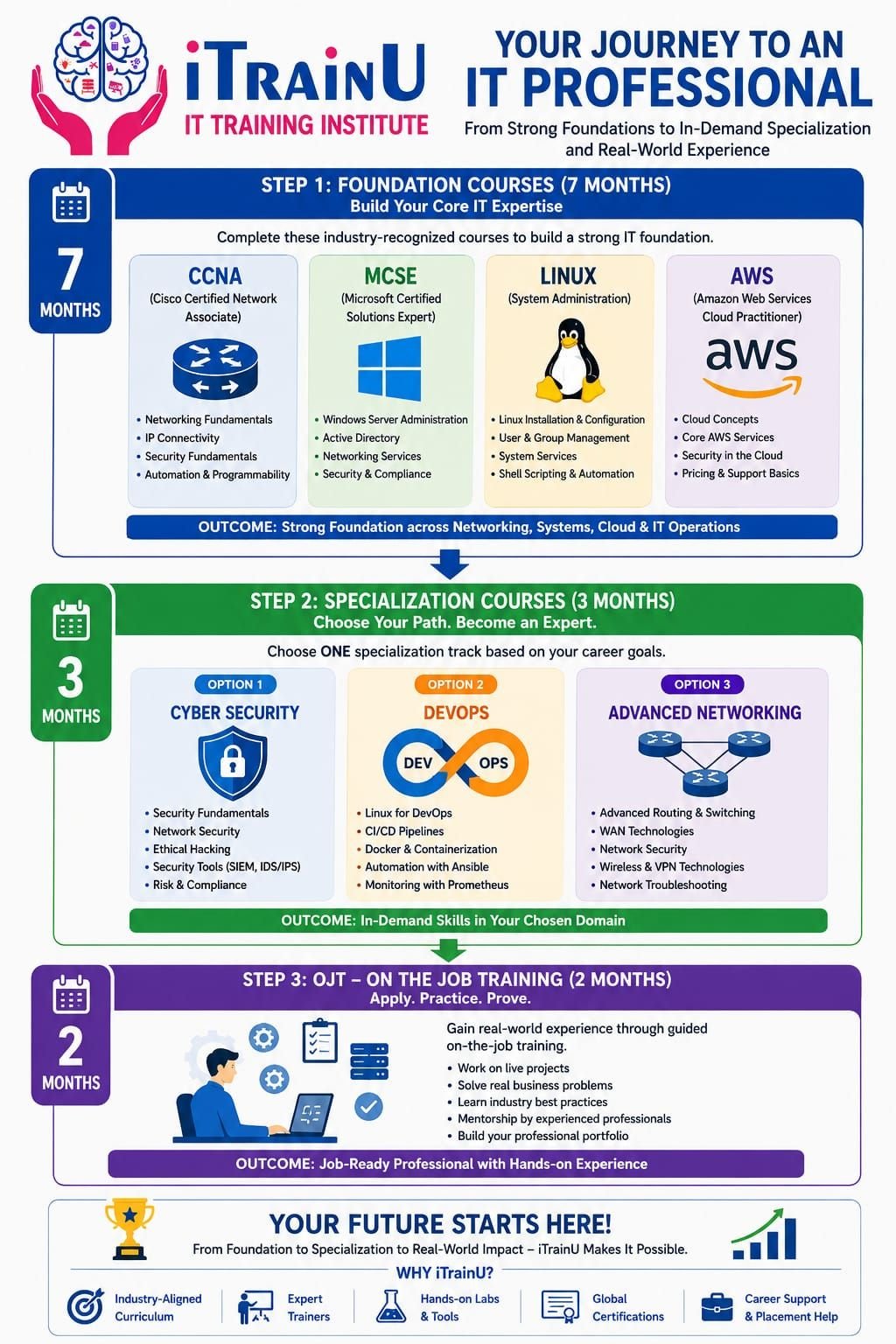
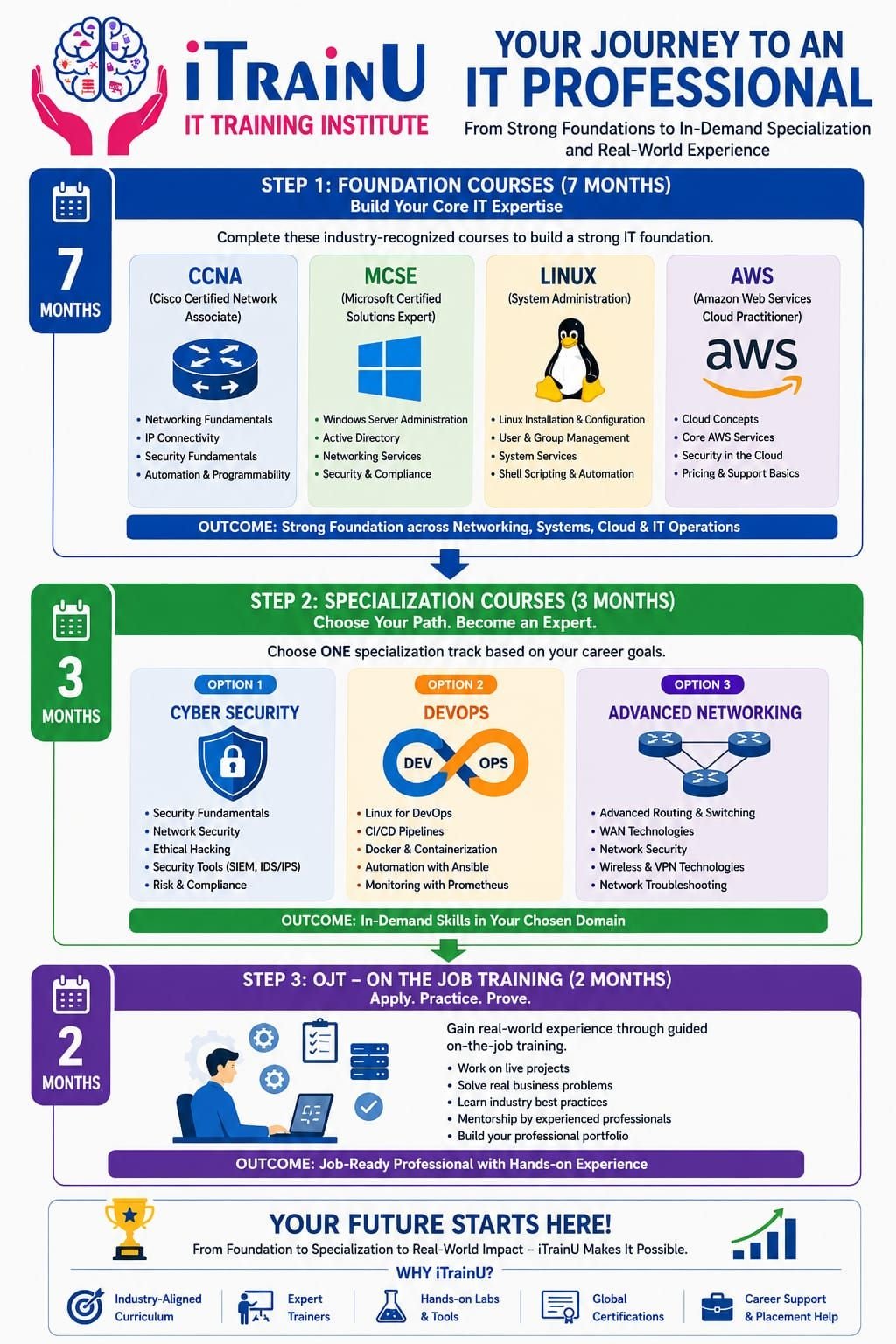
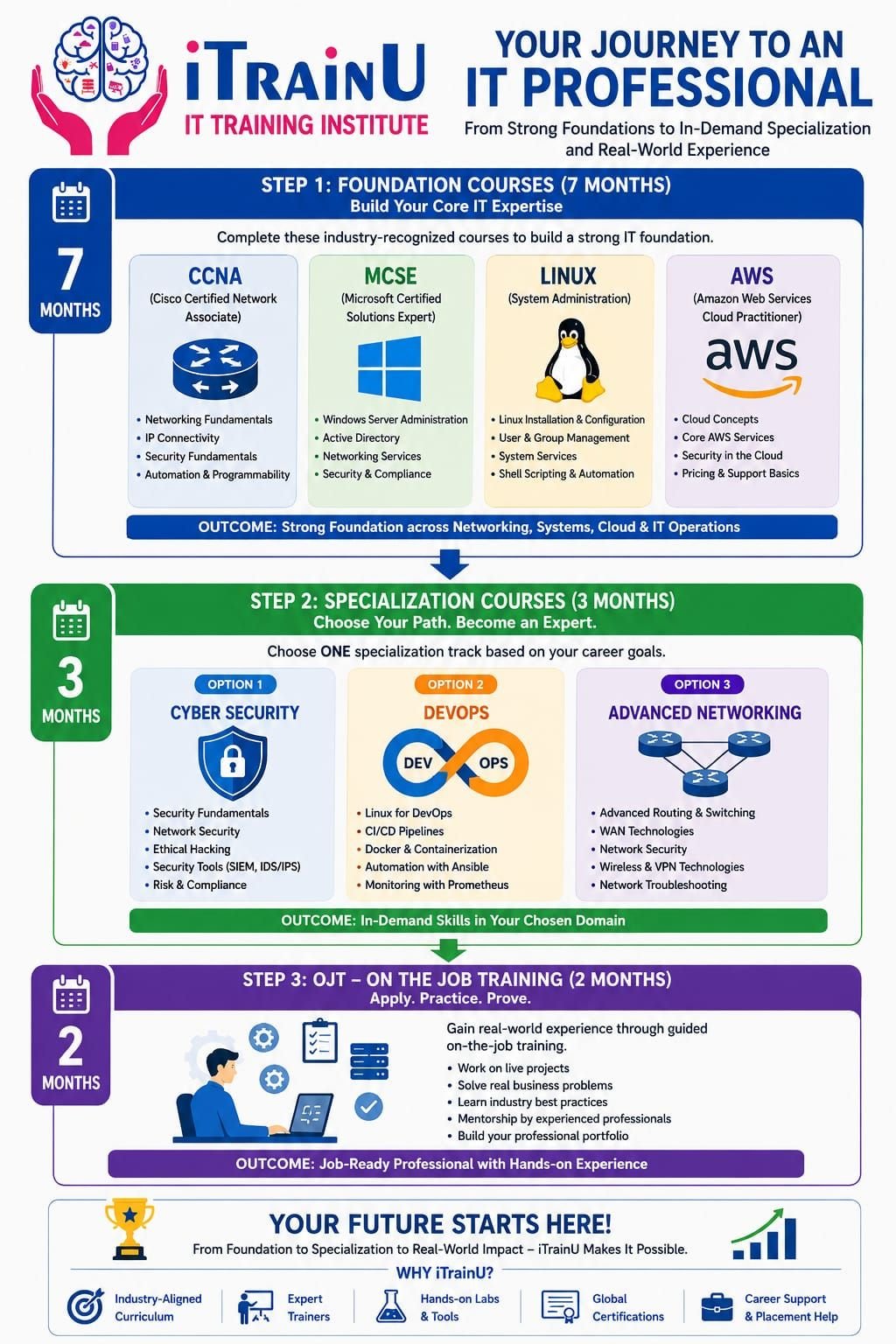
Why iTrainU is the Best Choice for Your 2026 Cloud Journey
Reading a book is one thing; building a cloud environment is another. At iTrainU, we bridge the gap between theory and practice.
- Hands-On Labs: You won’t just watch videos. You’ll log into real AWS environments and build VPCs, launch EC2 instances, and configure databases.
- Live Sessions with Certified Trainers: Our experts, like Nisha Chauhan, bring years of industry experience to the table. You can ask questions in real-time and get immediate feedback.
- Industry-Oriented Projects: We move beyond the syllabus to show you how AWS is used in modern tech companies today.
- Placement Support: With a 95% placement rate, we don’t just train you; we help you get hired. Our placement assistance is designed for everyone, from freshers to those with career gaps.
Domain 3: Design High-Performing Architectures
In 2026, speed is everything. If your app is slow, your users will leave. This domain is about picking the right tools for the job.
- Compute: Choosing between EC2 (Virtual Servers), Lambda (Serverless), or ECS (Containers).
- Storage: Deciding between EBS (fast block storage) and EFS (shared file storage).
- Databases: Understanding when to use Amazon RDS (SQL) versus DynamoDB (NoSQL).
Pro Tip:
Don’t over-provision! Use Amazon CloudWatch to monitor your performance and adjust your resources. This is a common exam topic and a crucial real-world skill.
Domain 4: Design Cost-Optimized Architectures
Cloud costs can spiral out of control if you aren’t careful. This domain teaches you how to keep the bill low while keeping performance high.
How to Save Money on AWS:
- Spot Instances: Use these for non-critical tasks to save up to 90% compared to On-Demand prices.
- S3 Lifecycle Policies: Automatically move old data to cheaper storage like S3 Glacier.
- AWS Organizations: Use consolidated billing to get volume discounts across multiple accounts.

Your 8-Week Study Plan for 2026
If you’re wondering how to start, here is a simple roadmap:
- Week 1-2: The Fundamentals. Focus on IAM, S3, and EC2. Get comfortable with the AWS Management Console.
- Week 3-4: Networking. Dive deep into VPCs, subnets, and Load Balancers. This is usually the hardest part for beginners!
- Week 5: Databases and Analytics. Master RDS, DynamoDB, and Aurora.
- Week 6: High Availability. Study Auto Scaling and Route 53.
- Week 7: Practice Exams. This is critical. Take as many mock tests as possible to get used to the wording of the questions.
- Week 8: Review & Certification. Focus on your weak areas and take the final leap!
Common Mistakes to Avoid
- Ignoring the “Hands-on” part: You cannot pass this exam by memorization alone. Use the free tier and build things!
- Skipping Security: Many students focus on EC2 and forget that IAM and encryption are 30% of the exam.
- Not reading the “Well-Architected Framework”: This is the “bible” for the exam. AWS wants you to build things their way.
Interview Questions to Prepare For
- “Can you explain the difference between a Security Group and a NACL?”
- Answer: Security Groups are stateful and act at the instance level. NACLs are stateless and act at the subnet level.
- “What is the best way to handle a sudden spike in traffic for a web application?”
- Answer: Use an Application Load Balancer combined with an Auto Scaling Group.
- “How would you ensure your data is safe if an entire AWS Region goes offline?”
- Answer: Implement Cross-Region Replication (CRR) for S3 and use Multi-Region deployments for RDS.
Conclusion
Becoming an AWS Certified Solutions Architect in 2026 is one of the smartest career moves you can make. It’s a challenging journey, but with the right aws solution architect associate study guide 2026 and a practical, hands-on approach, you can master the cloud.
Ready to start your journey with expert guidance? Join our next batch at iTrainU for Cloud Computing training that actually gets you a job.
SEO Details
Meta Title: 2026 AWS Solution Architect Associate Study Guide | iTrainU
Meta Description: Master the AWS SAA-C03 exam with our 2026 study guide. Learn about secure, resilient, and cost-effective cloud architectures with iTrainU’s hands-on labs.
FAQs
1. How long does it take to study for the AWS Solutions Architect Associate?
Typically 2 to 3 months if you are studying 10-15 hours a week. With iTrainU’s structured live sessions, many students feel ready in 8 weeks.
2. Is the SAA-C03 exam hard for beginners?
It is challenging but very achievable. The key is focusing on hands-on labs rather than just theory.
3. Does iTrainU provide placement support for AWS?
Yes! We offer 100% placement assistance, including mock interviews and resume building for all our cloud students.
#AWS #CloudComputing #ITrainU #AWSGuide2026 #SolutionsArchitect #TechCareers