We Offer 100% Placement Assistance (Any Degree / Diploma Candidates / Year GAP / Non-IT / Any Passed Outs).  | Call Now – +91 76111 75111

Microsoft Azure Training in Indore | Azure Certification with Placement Assistance

Microsoft azure training

Why Microsoft Azure Training In Indore

Cloud computing has become one of the most in-demand technologies in today’s IT industry, and Microsoft Azure Training in Indore provides the skills needed to build a successful cloud career. As organizations increasingly migrate their applications, databases, and infrastructure to the cloud, the demand for Azure professionals continues to grow. Through Microsoft Azure Training in Indore, learners gain practical knowledge of cloud services, networking, security, virtualization, and infrastructure management.

Whether you are a student, fresher, or working professional, Microsoft Azure Training in Indore can help you develop industry-relevant skills, prepare for globally recognized certifications, and explore rewarding career opportunities in cloud computing.

Overview Microsoft Azure Course In Indore

Cloud computing is becoming an essential skill for today’s IT professionals, and the Microsoft Azure Course in Indore helps learners build a strong foundation in this growing field. The course is designed to provide practical knowledge of Azure cloud services, including virtual machines, storage, networking, security, and cloud management. Through hands-on training and real-world scenarios, students gain the confidence to work with cloud technologies used by organizations worldwide.

The Microsoft Azure Course in Indore is suitable for students, freshers, system administrators, and working professionals who want to enhance their technical skills and advance their careers. With expert guidance, practical labs, and certification-focused learning, the Microsoft Azure Course in Indore prepares learners for cloud-related job roles and helps them stay competitive in the modern IT industry.

Syllabus of Microsoft Azure Training

Introduction to Azure

  • Cloud Technology Overview
  • Overview of Azure
  • Managing Azure with the Azure portal
  • Managing Azure with Windows PowerShell
  • Overview of Azure Resource Manager
  • Azure Management Services

Creating Azure Resource Manager Virtual Machines in Azure

  • Different Types of Routing 53 Policies
  • Amazon Route 53 Concepts
  • Amazon Route 53 Best Practices and Costs
  • Practice Assignment Amazon Route 53 Hosted Zone
  • Hands-on-Lab

Managing Microsoft Azure

  • How to design Cloud Services
  • Use the Azure portals
  • Use Azure Resource Manager features via the Azure portal.
  • Use Azure PowerShell


Deploying Azure Resource Manager virtual machines by using Azure Resource Manager templates

  • Using Visual Studio and an Azure Resource Manager template to deploy virtual machines
  • Using Azure PowerShell and an Azure Resource Manager template to deploy virtual machines

Implementing and managing Azure networking

  • Overview of Azure networking
  • Implementing and managing Azure virtual networks
  • Configuring Azure virtual networks
  • Configuring Azure virtual network connectivity
  • Overview of Azure classic networking

Managing Azure virtual machines

  • Configuring virtual machines
  • Configuring virtual machine disks
  • Managing and monitoring Azure virtual machines
  • Managing classic virtual machines
  • Configuring availability
  • Implementing desired state configuration (DSC)
  • Implementing storage space–based volumes

Using a deployment template to implement Azure virtual networks

  • Creating an Azure virtual network by using a deployment template
  • Creating a virtual network by using PowerShell
  • Configure virtual networks

Planning and implementing storage, backup, and recovery services

  • Planning storage
  • Implementing and managing storage
  • Implementing Azure Content Delivery Networks
  • Implementing Azure Backup
  • Planning for and implementing Azure Site Recovery
  • Creating and configuring Azure storage
  • Using Azure file storage
  • Protecting data with Microsoft Azure Backup

Implementing virtual machines

  • Overview of Azure Resource Manager virtual machines
  • Planning for Azure virtual machines
  • Deploying Azure Resource Manager virtual machines
  • Authoring Azure Resource Manager templates
  • Overview of classic virtual machines

Implementing Azure Active Directory

  • Creating and managing Azure AD tenants
  • Configuring application and resource access with Azure AD
  • Overview of Azure AD Premium
  • Administering Active AD
  • Configuring SSO
  • Configuring Multi-Factor Authentication
  • Configuring SSO from a Windows 10–based computer that is joined to Azure AD

Batch Schedule For Microsoft Azure Training

t iTrainU Institute, we offer flexible batch options for Azure Training in Indore to suit students and working professionals. Choose from weekday or weekend batches based on your availability. If the scheduled timing doesn’t work for you, contact us and we’ll try to arrange a batch that fits your schedule for Azure Training in Indore.

Regular Batch
Weekend Batch

Microsoft Azure Certification In Indore

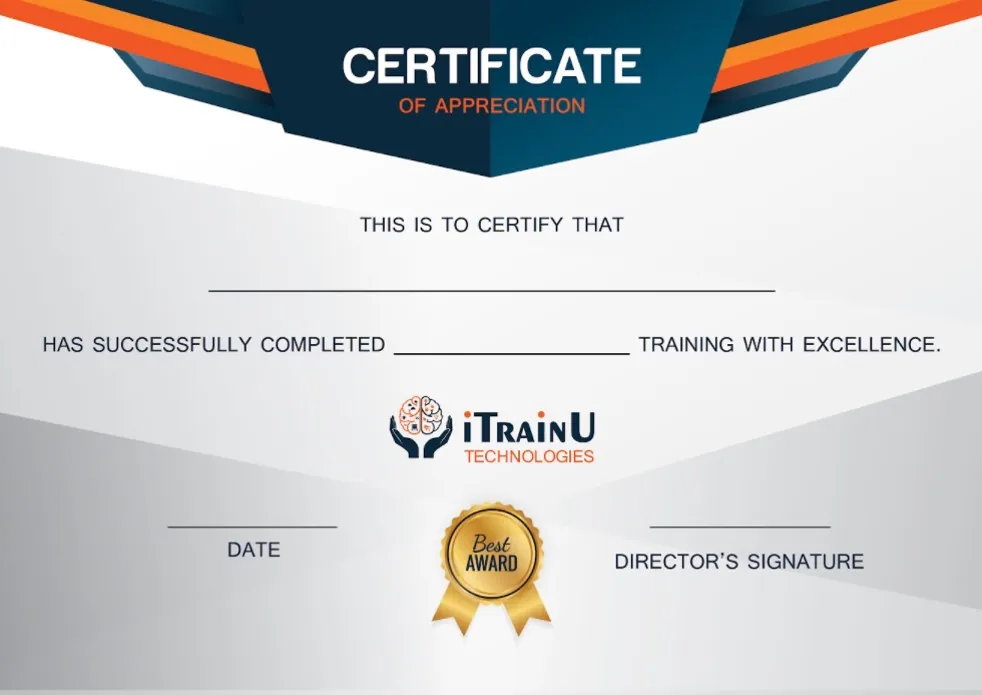
After successfully completing the training, students receive a Microsoft Azure Certification in Indore from iTrainU Institute. This certification validates your cloud computing skills and demonstrates your knowledge of Azure services, cloud infrastructure, networking, and security concepts.

Our Microsoft Azure Certification in Indore is designed to help learners build practical skills through hands-on labs and real-world exercises. The certification can strengthen your resume, increase your job opportunities, and help you stand out during interviews. By earning a Microsoft Azure Certification in Indore, you can take an important step toward building a successful career in cloud computing.

Details

Duration :

45 days

Class Hours :

1 :30 hour/day

Lab Hours:

 1 hour/day

Certificate :

AZ-104

Study Material :

Online

Online Test :

Yes

Project :

 Yes

Weekend & Weekdays Batch :

 Yes

iTrainU Institute place picture
4.9
Based on 408 reviews
powered by Google
4.9
Justdial Logo

554 Ratings

Justdial rating index based on 554 ratings across the web

Azure Exam & Certification

Exam AZ-104: Microsoft Azure Administrator

Here are the key details about Exam AZ-104:"</p
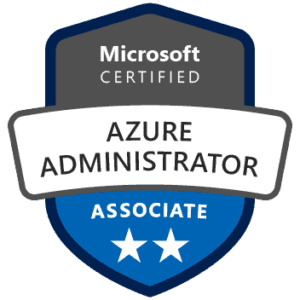
Exam Title: Microsoft Azure Administrator (Exam AZ-104)

Certification: Microsoft Certified: Azure Administrator Associate

Skills Measured: The exam measures the following skills:

  1. Managing Azure identities and governance
  2. Implementing and managing Azure storage
  3. Deploying and managing Azure compute resources
  4. Configuring and managing virtual networking
  5. Monitoring and backing up Azure resources

Exam Format: The exam format typically includes a combination of multiple-choice questions, drag-and-drop items, case studies, and possibly some hands-on tasks in a simulated Azure environment.

Prerequisites: While there are no strict prerequisites for taking Exam AZ-104, Microsoft recommends that candidates have a good understanding of general Azure concepts, experience with Azure Portal, and practical experience with Azure services.

Exam AZ-900: Microsoft azure Fundamentals

Here are the key details about Exam AZ-900:Azure Data Fundamentals
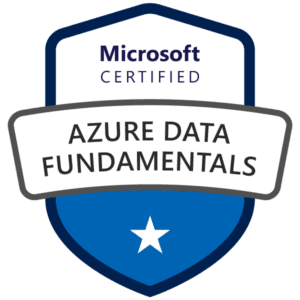
Exam Title: Microsoft Azure Fundamentals (Exam AZ-900)

Certification: Microsoft Certified: Azure Fundamentals

Skills Measured: The exam measures the following fundamental knowledge areas:

  1. Cloud Concepts: Understanding cloud computing concepts, advantages, and different types of cloud services (IaaS, PaaS, SaaS).
  2. Core Azure Services: Familiarity with core Azure services, such as Azure Virtual Machines, Azure App Services, Azure Storage, and Azure Networking.
  3. Security, Privacy, Compliance, and Trust: Understanding Azure security features, identity management, and compliance standards.
  4. Azure Pricing and Support: Understanding Azure subscriptions, pricing models, and support options.

Exam Format: The exam format typically includes multiple-choice questions and may also include some case studies to assess your understanding of real-world scenarios.

Prerequisites: There are no strict prerequisites for taking Exam AZ-900. It is an entry-level exam, and no prior experience with Azure or cloud computing is required. It is designed for individuals who are new to Azure and cloud technologies


Key Feature of Microsoft Azure Trainings

Training by Experienced Trainer

In this azure course, you will get complete training and practice sessions from a professional and expert in Microsoft azure who has 10+ years of experience in the field.

project-configuration

Structured & Latest Curriculum

We offer the most detailed training, covering all aspects of Microsoft azure in-depth. You learn from beginning to expert levels we ensure that entire syllabus well structure and up to date with the latest azure trends.

Highly Engaging Live Classes

We conduct live training where you interact with experts in real-time and learn from their expertise. Our approach ensures that you get the best learning experience.

Work on real Projects

During the live training classes, you will create various types of Projects. It will assist you in understanding Microsoft azure concepts.

100% Job Assistance

You will get internship & job opportunities. We prepare for interview , as well as have partnerships with 100+ IT companies.

Microsoft Azure Certification

After completing Microsoft azure training course we give you a certification that help you to get a job in top MNCs over certificate accepted in worldwide.

Our Alumni Works at

Microsoft Azure Training Frequency asked Question (FAQ)

01. What are the prerequisites for joining Microsoft Azure Training?

There are no strict prerequisites for learning Azure. Basic knowledge of computers, networking, or IT concepts can be helpful, but beginners can also start learning Azure from scratch.

Yes, the training includes practical labs, real-world scenarios, and project-based learning to help students gain hands-on experience with Azure services and cloud environments.

The training helps learners prepare for popular Azure certifications such as AZ-900 (Azure Fundamentals), AZ-104 (Azure Administrator), and other role-based Azure certification exams.

After completing Azure training, you can explore opportunities such as Azure Administrator, Cloud Engineer, Cloud Support Engineer, Azure DevOps Engineer, and Cloud Infrastructure Engineer.

Azure offers a wide range of cloud services, strong security features, seamless integration with Microsoft products, and is trusted by organizations worldwide.

Yes, you can attend a demo session to understand the training methodology, course content, and learning environment before making a decision.

1 Step 1

Have a project in mind or need expert advice? We’re here to help. Reach out to us and let’s talk about how we can take your business to the next level.

keyboard_arrow_leftPrevious
Nextkeyboard_arrow_right
FormCraft - WordPress form builder