Linux

Linux Training in Indore

Linux training refers to the process of acquiring knowledge and skills related to the Linux operating system. Linux is a popular open-source operating system widely used in servers, embedded systems, and personal computers.

itrainu institute provide certifications, such as the Linux Professional Institute (LPI) certifications or the Red Hat Certified Engineer (RHCE) certification, which can validate your Linux skills and enhance your career prospects.

Details

Duration :

45 Days

Class Hours :

1 hour/day

Duration :

 1 hour/day

Certificate :

After completion of training

Study Material :

Online

Online Test :

Yes

Project :

No

iTrainU Institute place picture
4.9
Based on 408 reviews
powered by Google

Linux Course Syllabus

Red Hat Enterprise Linux 8 – RHCSA Syllabus

RH124 - Red Hat System Administration I

Get started with Red Hat Enterprise Linux

  • Describe and define open source,
  • Linux distributions,
  • Red Hat Enterprise Linux.

Access the command line

  • Log into a Linux system
  • run simple commands using the shell.

Manage files from the command line

  • Copy, move, create, delete, and organize files while working from the bash shell.

Get help in Red Hat Enterprise Linux

  • Resolve problems by using local help systems.

Create, view, and edit text files

  • Manage text files from command output or in a text editor.

Manage local users and groups

  • Create, manage, and delete local users and groups, as well as administer local password policies.

Control access to files

  • Set Linux file system permissions on files
  • interpret the security effects of different permission settings.

Monitor and manage Linux processes

  • Evaluate and control processes running on a Red Hat Enterprise Linux system.

Control services and daemons

  • Control and monitor network services
  • system daemons using systemd.

Configure and secure SSH

  • Configure secure command line service on remote systems, using OpenSSH.

Control services and daemons

  • Control and monitor network services
  • system daemons using systemd.

Configure and secure SSH

  • Configure secure command line service on remote systems, using OpenSSH.

Analyze and store logs

  • Locate and accurately interpret logs of system events for troubleshooting purposes.

Manage networking

  • Configure network interfaces and settings on Red Hat Enterprise Linux servers.

Archive and transfer files

  • Archive and copy files from one system to another.

Install and update software

  • Download, install, update, and manage software packages from Red Hat and yum package repositories.

Access Linux files systems

  • Access, inspect, and use existing file systems on storage attached to a Linux server

Analyze servers and get support

  • Investigate and resolve issues in the web-based management interface, getting support from Red Hat to help solve problems.

Linux Containers and Docker

  • Details about Linux Containers and Dockers.
 

RH134 - Red Hat System Administration II

Improve command line productivity

  • Run commands more efficiently by using advanced features of the bash shell, shell scripts, and various utilities provided by Red Hat Enterprise Linux.

Schedule future tasks

  • Schedule commands to run in the future, either one time or on a repeating schedule.

Tune system performance

  • Improve system performance by setting tuning parameters and adjusting scheduling priority of processes.

Control access to files with ACLs

  • Interpret and set access control lists (ACLs) on files to handle situations requiring complex user and group access permissions.

Manage SELinux security

  • Protect and manage the security of a server by using SELinux

Maintain basic storage

  • Create and manage storage devices, partitions, file systems, and swap spaces from the command line.

Manage logical volumes

  • Create and manage logical volumes containing file systems and swap spaces from the command line.

Implement advanced storage features

  • Manage storage using the Stratis local storage management system and use VDO volumes to optimize storage space in use.

Access network-attached storage

  • Use the NFS protocol to administer network-attached storage.

Control the boot process

  • Manage the boot process to control services offered and to troubleshoot and repair problems.

Manage network security

  • Control network connections to services using the system firewall and SELinux rules.

Install Red Hat Enterprise Linux

  • Install Red Hat Enterprise Linux on servers and virtual machines.

Other Linux Course Batch Timing

IF you want to change batch timing or If you need a Online Linux training class feel free to contact us we will schedule new batch timing according to your comfort.

Duration

(Mon – Sat) 45 Days
(Mon – Sat) 45 Days

Timings

7:00 AM to 8:00 AM
7:00 PM to 8:00 PM

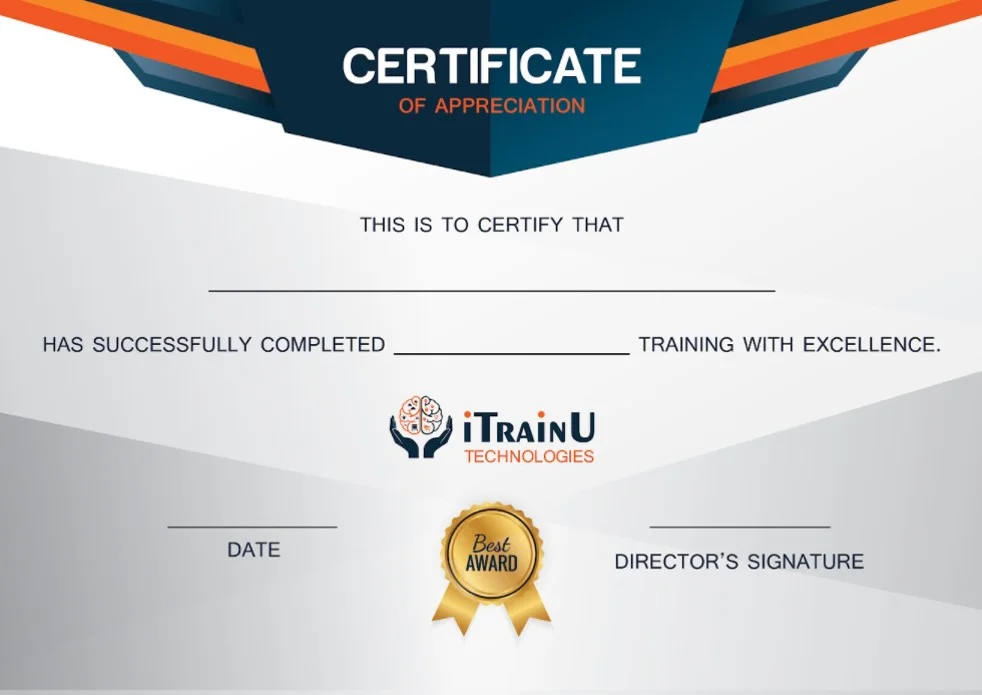
Linux Training Certification

What makes our Linux online course the best in India is that it is 100% practical-oriented. Whether you are a beginner or have slight experience, We make sure that you become a professional in Linux by the end of the training.

ItrainU Certification is Accredited by all major Global Companies around the world. We provide theoretical and practical sessions to fresher’s as well as corporate trainees.

It increases the value of your resume and you can attain leading job  with the help of this certification in leading MNC’s of the worldwide. The certification is only provided after successful completion of our training and practical based projects.

 

Our Alumni Works at

1 Step 1

Have a project in mind or need expert advice? We’re here to help. Reach out to us and let’s talk about how we can take your business to the next level.

keyboard_arrow_leftPrevious
Nextkeyboard_arrow_right
FormCraft - WordPress form builder