We Offer 100% Placement Assistance (Any Degree / Diploma Candidates / Year GAP / Non-IT / Any Passed Outs).  | Call Now – +91 76111 75111

Microsoft Azure Training

Microsoft azure training

About Microsoft Azure Training

iTrainU Institute offers job-oriented Microsoft Azure training designed for students, freshers, and IT professionals who want to gain practical skills in cloud technology. Our training program focuses on real-time learning with hands-on practice and live project experience.

The Microsoft Azure Training is created to help students understand how to work with Azure services in real industry environments. During the training, students learn how to create and manage virtual machines, configure cloud storage, manage networking, work with Azure Active Directory, deploy applications, and monitor cloud services.

Microsoft Azure Course Overview

We believe practical knowledge is important for building a successful IT career. That’s why our Microsoft Azure course includes hands-on labs, practical assignments, and real-time projects that improve technical skills and industry knowledge.

Our experienced trainers provide step-by-step guidance and help students understand every concept in a simple and easy way. The Azure course is suitable for beginners as well as working professionals who want to upgrade their cloud skills.

Syllabus of Microsoft Azure Training

Introduction to Azure

  • Cloud Technology Overview
  • Overview of Azure
  • Managing Azure with the Azure portal
  • Managing Azure with Windows PowerShell
  • Overview of Azure Resource Manager
  • Azure Management Services

Creating Azure Resource Manager Virtual Machines in Azure

  • Different Types of Routing 53 Policies
  • Amazon Route 53 Concepts
  • Amazon Route 53 Best Practices and Costs
  • Practice Assignment Amazon Route 53 Hosted Zone
  • Hands-on-Lab

Managing Microsoft Azure

  • How to design Cloud Services
  • Use the Azure portals
  • Use Azure Resource Manager features via the Azure portal.
  • Use Azure PowerShell


Deploying Azure Resource Manager virtual machines by using Azure Resource Manager templates

  • Using Visual Studio and an Azure Resource Manager template to deploy virtual machines
  • Using Azure PowerShell and an Azure Resource Manager template to deploy virtual machines

Implementing and managing Azure networking

  • Overview of Azure networking
  • Implementing and managing Azure virtual networks
  • Configuring Azure virtual networks
  • Configuring Azure virtual network connectivity
  • Overview of Azure classic networking

Managing Azure virtual machines

  • Configuring virtual machines
  • Configuring virtual machine disks
  • Managing and monitoring Azure virtual machines
  • Managing classic virtual machines
  • Configuring availability
  • Implementing desired state configuration (DSC)
  • Implementing storage space–based volumes

Using a deployment template to implement Azure virtual networks

  • Creating an Azure virtual network by using a deployment template
  • Creating a virtual network by using PowerShell
  • Configure virtual networks

Planning and implementing storage, backup, and recovery services

  • Planning storage
  • Implementing and managing storage
  • Implementing Azure Content Delivery Networks
  • Implementing Azure Backup
  • Planning for and implementing Azure Site Recovery
  • Creating and configuring Azure storage
  • Using Azure file storage
  • Protecting data with Microsoft Azure Backup

Implementing virtual machines

  • Overview of Azure Resource Manager virtual machines
  • Planning for Azure virtual machines
  • Deploying Azure Resource Manager virtual machines
  • Authoring Azure Resource Manager templates
  • Overview of classic virtual machines

Implementing Azure Active Directory

  • Creating and managing Azure AD tenants
  • Configuring application and resource access with Azure AD
  • Overview of Azure AD Premium
  • Administering Active AD
  • Configuring SSO
  • Configuring Multi-Factor Authentication
  • Configuring SSO from a Windows 10–based computer that is joined to Azure AD

Upcoming Batch For Microsoft Azure Training

ITrainU institute provide a flexible Batch timings to all our student. Here is a Schedule timings for Microsoft azure training. if this schedule timings doesn’t match let as know. We will change a timing based as your flexible timings.

Regular Batch
Weekend Batch

Microsoft Azure Certification

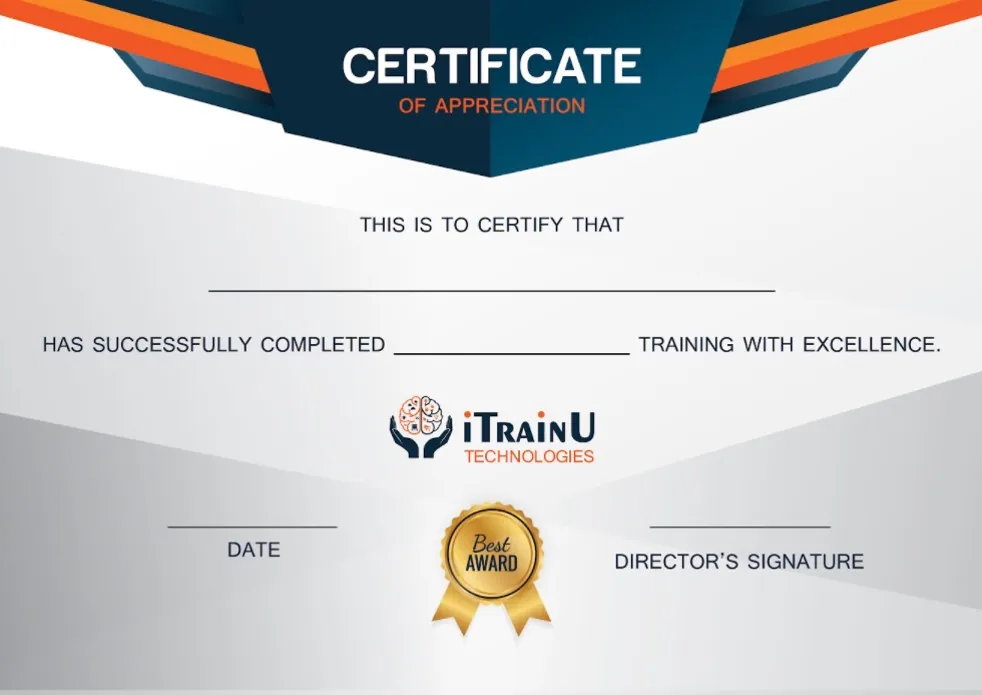
iTrainU Institute provides industry-recognized training certificates after successful completion of the azure course. Our certification course focuses on both theoretical and practical knowledge with live training sessions and hands-on practice. Students learn real-time Azure concepts that help them improve their technical skills and industry understanding.

After completing the course, students receive a training certificate that adds value to their resume and helps them stand out during job applications and interviews. Our Microsoft Azure certification program helps candidates gain confidence to crack interviews in leading MNC companies.

Details

Duration :

45 days

Class Hours :

1 :30 hour/day

Lab Hours:

 1 hour/day

Certificate :

AZ-104

Study Material :

Online

Online Test :

Yes

Project :

 Yes

Weekend & Weekdays Batch :

 Yes

iTrainU Institute place picture
4.9
Based on 408 reviews
powered by Google
4.9
Justdial Logo

554 Ratings

Justdial rating index based on 554 ratings across the web

Azure Exam & Certification

Exam AZ-104: Microsoft Azure Administrator

Here are the key details about Exam AZ-104:"</p
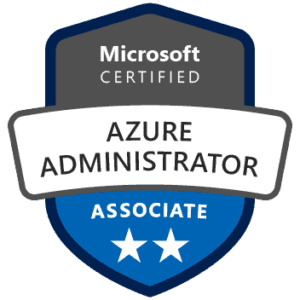
Exam Title: Microsoft Azure Administrator (Exam AZ-104)

Certification: Microsoft Certified: Azure Administrator Associate

Skills Measured: The exam measures the following skills:

  1. Managing Azure identities and governance
  2. Implementing and managing Azure storage
  3. Deploying and managing Azure compute resources
  4. Configuring and managing virtual networking
  5. Monitoring and backing up Azure resources

Exam Format: The exam format typically includes a combination of multiple-choice questions, drag-and-drop items, case studies, and possibly some hands-on tasks in a simulated Azure environment.

Prerequisites: While there are no strict prerequisites for taking Exam AZ-104, Microsoft recommends that candidates have a good understanding of general Azure concepts, experience with Azure Portal, and practical experience with Azure services.

Exam AZ-900: Microsoft azure Fundamentals

Here are the key details about Exam AZ-900:Azure Data Fundamentals
Exam Title: Microsoft Azure Fundamentals (Exam AZ-900)

Certification: Microsoft Certified: Azure Fundamentals

Skills Measured: The exam measures the following fundamental knowledge areas:

  1. Cloud Concepts: Understanding cloud computing concepts, advantages, and different types of cloud services (IaaS, PaaS, SaaS).
  2. Core Azure Services: Familiarity with core Azure services, such as Azure Virtual Machines, Azure App Services, Azure Storage, and Azure Networking.
  3. Security, Privacy, Compliance, and Trust: Understanding Azure security features, identity management, and compliance standards.
  4. Azure Pricing and Support: Understanding Azure subscriptions, pricing models, and support options.

Exam Format: The exam format typically includes multiple-choice questions and may also include some case studies to assess your understanding of real-world scenarios.

Prerequisites: There are no strict prerequisites for taking Exam AZ-900. It is an entry-level exam, and no prior experience with Azure or cloud computing is required. It is designed for individuals who are new to Azure and cloud technologies


Key Feature of Microsoft Azure Trainings

Training by Experienced Trainer

In this azure course, you will get complete training and practice sessions from a professional and expert in Microsoft azure who has 10+ years of experience in the field.

project-configuration

Structured & Latest Curriculum

We offer the most detailed training, covering all aspects of Microsoft azure in-depth. You learn from beginning to expert levels we ensure that entire syllabus well structure and up to date with the latest azure trends.

Highly Engaging Live Classes

We conduct live training where you interact with experts in real-time and learn from their expertise. Our approach ensures that you get the best learning experience.

Work on real Projects

During the live training classes, you will create various types of Projects. It will assist you in understanding Microsoft azure concepts.

100% Job Assistance

You will get internship & job opportunities. We prepare for interview , as well as have partnerships with 100+ IT companies.

Microsoft Azure Certification

After completing Microsoft azure training course we give you a certification that help you to get a job in top MNCs over certificate accepted in worldwide.

Our Alumni Works at

Microsoft Azure Training Frequency asked Question (FAQ)

01. What is Microsoft Azure?

Microsoft Azure is a cloud computing platform and a comprehensive set of cloud services provided by Microsoft. It enables individuals, organizations, and businesses to build, deploy, and manage applications and services through Microsoft’s global network of data centers.

Microsoft Azure was a rapidly growing and widely adopted cloud platform, and it presented promising career opportunities for individuals in the tech industry. The career in Azure can be a good option for those interested in cloud computing and related technologies.

The minimum qualification for Microsoft Azure certifications does not typically have strict educational requirements. Microsoft certifications are designed to validate the skills and expertise of IT professionals in using Microsoft technologies, including Azure cloud services. Therefore, candidates are not required to hold a specific degree or educational background to pursue these certifications.

If you complete Microsoft Azure certification course then the enter level salary could be around 3 lakh to 6 lakh per years. after the experience or expert in cloud domain you should earn 10 lakh to 20 lakh per years.

The current scenario azure certification are highly demand as the need for cloud technology rises. The demand for cloud computing, in general, has been increasing rapidly as businesses continue to digitize their operations and seek ways to optimize scalability and cost-effectiveness. Cloud adoption has also accelerated due to the remote work trend and the need for flexible and resilient IT infrastructures.

The difficulty of Azure exams can vary depending on factors such as your level of experience with Azure, your knowledge of the topics covered in the exam, and the specific certification level you are aiming for. Microsoft offers a range of Azure certifications, from fundamental-level exams for beginners to more advanced and specialized exams for experienced professionals.

Microsoft offers Azure Fundamentals certification that covers basic concepts and services. Studying for this exam can take a few weeks, depending on your learning pace. but itrainu institute complete this course in a 45 days including all course topics with good practical knowledge.

Yes, you can learn and use Microsoft Azure without coding. Azure is a cloud computing platform that provides a wide range of services to cater to different user needs, and not all of these services require coding knowledge. Azure offers a variety of tools and services with user-friendly graphical interfaces, making it accessible to users who are not developers or who have limited coding experience.

  • Basic knowledge of operating systems
  • Basic knowledge of Virtualization
  • Basic knowledge of Networking
  • Basic knowledge of any programming language
1 Step 1

Have a project in mind or need expert advice? We’re here to help. Reach out to us and let’s talk about how we can take your business to the next level.

keyboard_arrow_leftPrevious
Nextkeyboard_arrow_right
FormCraft - WordPress form builder